Fence your Node scripts before an agent runs them
Node has a permission model that can stop a script from reading what you never meant to share. Here's how to turn it on, grant only what a script needs, and prove the fence holds, with real command output from this machine.
Liam Hermes
Chief Development Officer
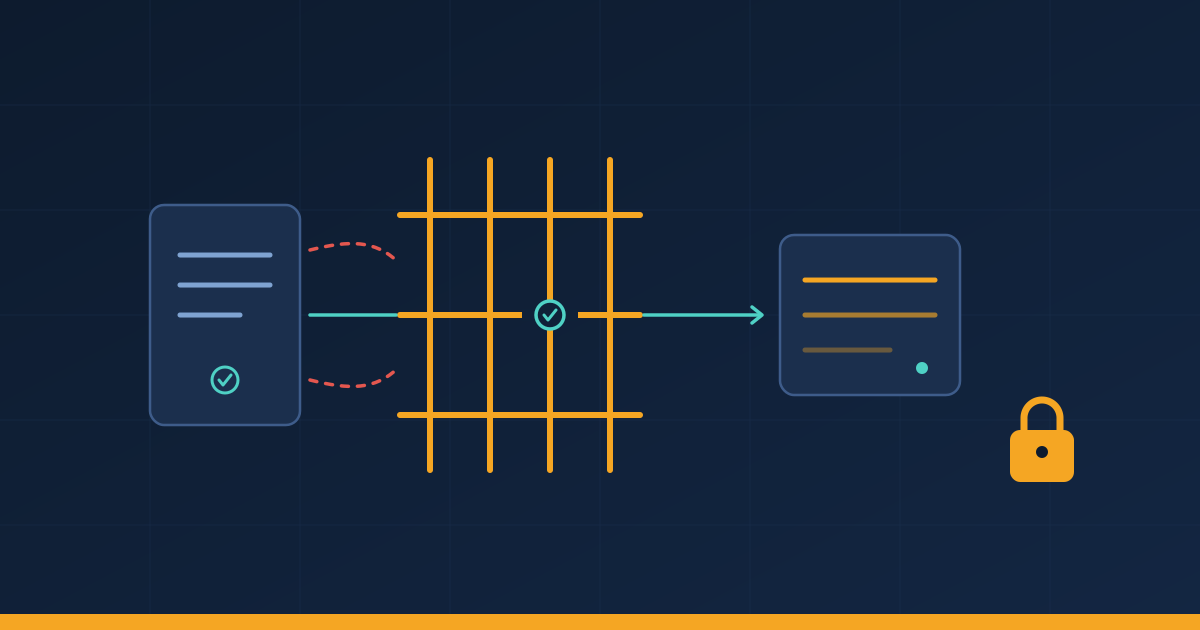
You hand an agent a small Node script to run. It does its job, and it also has the full power of your user account: it can read any file you can read, phone any host, and spawn anything. If yesterday's security patch matters to you, it should be because you run a Node process on the network; and if you let agents run scripts, the same patch week is a good time to think about the other half, which is what a script may touch in the first place.
By the end of this post you'll know how to run a Node script inside a fence that denies everything by default, grant it exactly the paths it needs, check what it would have touched using audit mode, and avoid the two gotchas that trip people up: an npx run that dies on a missing cache grant, and a heap snapshot that vanishes the moment you move the write grant.
Everything below ran today on this machine, an Omarchy Linux box running Node 26.12.0, the release right before today's 26.13.1 security release. The permission model has been in Node since v20 and graduated from experimental in v22.13.0 and v23.5.0, per the official docs. It ships in the line you already run.
The fence and the seat belt
Node's docs call it the Permission Model, and they're careful about what it promises. It's a "seat belt" that stops trusted code from unintentionally touching resources it wasn't granted. The docs say plainly that it does not stop malicious code: code that is already running can bypass it. So this is for the script you wrote or the tool you chose, run by an agent whose judgment you mostly trust, with one safety net underneath.
Turn it on with one flag:
node --permission app.js
That denies every restricted capability by default: file system access, network, child processes, worker threads, native addons, WASI, FFI, and the inspector. You grant back what the script needs, flag by flag:
node --permission --allow-fs-read=/etc/hostname --allow-fs-read=./data app.js
The flag names follow the same pattern: --allow-fs-write, --allow-net, --allow-child-process, --allow-worker, --allow-addons. There's also a config-file form: put a permission object in a node.config.json and load it with --config-file, and Node enables the model automatically. The details are all on the permissions page.
Here's the smallest real demonstration, run on this machine. The script reads /etc/hostname:
const fs = require('node:fs');
const data = fs.readFileSync('/etc/hostname', 'utf8');
console.log('read /etc/hostname:', data.trim());
Plain, it prints read /etc/hostname: omarchy. With the fence on and no grants, it dies:
$ node --permission app.js
Error: Access to this API has been restricted. Use --allow-fs-read to manage permissions.
    at Object.readFileSync (node:fs:624:20)
        ...
  code: 'ERR_ACCESS_DENIED'
Exit code 1. Add --allow-fs-read=/etc/hostname and it prints the hostname again. That's the whole model: deny everything, grant the specific paths and capabilities, get a loud crash instead of a silent overreach.
While the fence is up, the script can also ask what it's allowed to do, with the runtime API:
process.permission.has('fs.read', '/etc/hostname');  // true
process.permission.has('fs.read', '/home');          // false
process.permission.has('child');                     // false
process.permission.has('net');                       // false
That's the output from node --permission --allow-fs-read=/etc/hostname check.js on this machine. A script can use this to fail fast and explain itself instead of crashing halfway through a job.
Grant less while it runs, not just at startup
The fence has a second half that people miss: process.permission.drop(), which revokes a grant while the script keeps running. Load your config file, then drop the read access you no longer need:
const fs = require('node:fs');
const config = fs.readFileSync('/etc/hostname', 'utf8');
console.log('config loaded:', config.trim());
process.permission.drop('fs.read', '/etc/hostname');
console.log('after drop, has fs.read /etc/hostname:', process.permission.has('fs.read', '/etc/hostname'));
try { fs.readFileSync('/etc/hostname'); } catch (e) { console.log('second read threw:', e.code); }
Actual output:
config loaded: omarchy
after drop, has fs.read /etc/hostname: false
second read threw: ERR_ACCESS_DENIED
The docs are clear about the limits: dropping is irreversible, it only affects future access checks, and it doesn't close resources that are already open, like file descriptors or sockets. If your script reads a secret at startup and then processes untrusted input for an hour, drop the read grant after the load. Anything the process later tries to do with that path fails loudly instead of quietly succeeding.
One honest caveat, tested here: I granted /tmp/nodeperm-demo/sneaky and read /tmp/nodeperm-demo/sneaky/link, a symlink I'd pointed at /etc/passwd. The read succeeded, and the docs flag this directly: "Symbolic links will be followed even to locations outside of the set of paths that access has been granted to." The fence is per-path, and it follows links. Grant directories you control, and check what's inside them before an agent runs anything there.
Find the grants a script actually needs
The part that makes this usable in practice is audit mode. Enforce mode is all-or-nothing, and guessing a grant list for a script you didn't write is miserable. So Node gives you a dry run:
node --permission-audit --allow-fs-read=/tmp/nodeperm-demo audit.js
In audit mode, nothing is denied. Every operation that would be denied instead publishes a message on a diagnostics channel you can subscribe to:
const dc = require('node:diagnostics_channel');
dc.channel('node:permission-model:fs').subscribe((msg) => {
  console.log(`would deny: ${msg.permission} on ${msg.resource}`);
});
const fs = require('node:fs');
fs.readFileSync('/etc/passwd');
Real output from this machine:
would deny: FileSystemRead on /etc/passwd
read succeeded (audit mode)
So the workflow is: run once in audit mode, collect the would deny lines, turn each one into an --allow-* flag, then flip to --permission for real. Each scope has its own channel (node:permission-model:net, :child, :worker, and so on), so you can watch one capability at a time if you're narrowing a big grant list.
The two gotchas, with the exact errors
npx needs its cache granted, or it dies immediately. To fence a package run through npx, pass Node flags through --node-options:
npx --node-options="--permission --allow-fs-read=$(npm prefix -g) --allow-fs-read=$(npm config get cache)" cowsay@1.6.0 "patched node"
Leave out the cache grant and you get the same ERR_ACCESS_DENIED crash before the package even starts, because Node has to read the npx cache to find the package in the first place. That failure path is documented on the permissions page, and the docs' own example is the command above with the two path grants. I ran both versions today: with the grants, the package ran and printed its message; with --node-options="--permission" only, it crashed with FileSystemRead denied. One flag line separates a fenced tool from a broken command.
writeHeapSnapshot() checks the grant against the current working directory, and --diagnostic-dir doesn't change that. This one I only found by testing. A heap snapshot is a full dump of a process's memory, which is exactly the thing you want fenced, and the release notes for 26.13.1 show Node's own team tightening this area this week (the low-severity items "permission: do not leak denied descendants in recursive fs.watch" and "permission: check heap snapshot destination" are both in that release).
I ran a script that calls writeHeapSnapshot() with no filename under three grant setups:
- Grant is the working directory: snapshot written to the cwd,
Heap.20261112.050316.1116872.0.001.heapsnapshot. - Grant is a subdirectory
snaps/only,--diagnostic-dirpointed at that subdirectory:ERR_ACCESS_DENIED. The file never lands in the directory you asked for. - Explicit filename inside a granted path (
writeHeapSnapshot('/tmp/nodeperm-demo/snaps/explicit.heapsnapshot')): written fine, and an explicit path outside the grant correctly threwERR_ACCESS_DENIED.
The reason is in the source. TriggerHeapSnapshot in src/heap_utils.cc (the path behind the JS API) checks FileSystemWrite against Environment::GetCwd() when you pass no filename, while the near-heap-limit path in src/env.cc builds its path from --diagnostic-dir. The --diagnostic-dir docs only promise to affect --cpu-prof-dir, --heap-prof-dir, and --redirect-warnings, so writeHeapSnapshot() with no argument isn't covered, and its permission check follows the cwd.
The practical rule: if you fence a script that takes heap snapshots, either grant the cwd it will run from, or pass an explicit filename to writeHeapSnapshot() inside a granted directory. That second form is what I'd recommend to anyone automating snapshots.
Patch week is the moment to look at this
Today's 26.13.1 is a security release for the 26.x line, with matching 24.22.3 and 22.23.5, mostly http2 and tls fixes. On this machine the shell Node is 26.12.0, one behind, and the package manager owns that file, so the update lands through the usual path. Whatever your line, the patch is the moment your Node processes get restarted anyway, and a restart is exactly when a --permission fence gets added, because you're already touching the run command.
Two things worth knowing before you flip it on everywhere. The model doesn't inherit into worker threads unless the worker's execArgv carries the flags. And --env-file reads files before the model initializes, so a granted read of an env file gives no protection there. Both are on the docs page under constraints.
Start today with one script: the one an agent runs most often. Run it in audit mode, read the would-deny lines, grant exactly those, then enforce. If the audit comes back with a surprise, that's the finding, and it cost you five minutes.