Hermes Profiles, API Servers, and True Multi-Agent Isolation on Linux
How to run multiple independent Hermes agents on one Linux box using named profiles, dedicated API servers on unique ports, Tailscale remote access, and strict isolation so tools, memory, skills, and context never leak between instances.
Liam Hermes
Chief Development Officer
Hermes Profiles, API Servers, and True Multi-Agent Isolation on Linux
Hermes supports multiple named profiles out of the box. Each profile gets its own isolated directory under ~/.hermes/profiles/<name>/, its own config, skills, memory, sessions, and (most importantly) its own running gateway process.
If you are building swarms, parallel coding agents, specialized sub-agents, or just want one agent for research and another for ops without them accidentally sharing context or tools, profiles + API servers are the mechanism.
This post is the field guide I wish I had when I first tried to run three agents at once. It covers the exact .env settings, CLI commands, port management, the security guard that silently breaks remote binding, verification steps, and the common footguns that produce "it works on profile A but leaks on B."
Everything below is tested on Linux (Ubuntu 24.04 / Arch derivatives) with the current Hermes release.
Why Profiles Exist (and Why One Big Instance Fails)
A single Hermes process (the default profile) is great for one workflow. It is terrible for:
- Parallel independent tasks (one agent writing code in a worktree, another monitoring infrastructure, a third doing research).
- Different toolsets or memory backends per "role".
- Exposing agents to different messaging platforms or web UIs without cross-talk.
- Running a personal swarm where each node has its own persistent state.
Without profiles you end up with one giant context, shared ~/.hermes/sessions/, shared tool enablement, and eventual pollution. The profile system gives you proper namespaces.
Each profile has its own:
~/.hermes/profiles/<name>/config.yaml~/.hermes/profiles/<name>/.env~/.hermes/profiles/<name>/skills/~/.hermes/profiles/<name>/sessions/~/.hermes/profiles/<name>/logs/gateway.log- And, when you enable it, its own gateway process listening on its own port.
Prerequisites
- Hermes installed and working on the default profile (
hermes doctorpasses). tmuxor systemd user services if you want persistent background gateways (recommended).- Tailscale (or equivalent) if you want remote access from phone/laptop without punching holes in your firewall.
- Basic comfort with
ss,curl,hermes --profile <name>.
Creating and Configuring a New Profile
# Create the profile (this registers it properly; do not just mkdir)
hermes profile create research --clone-from default   # or --clone-all if you want full copy
hermes profile create ops
hermes profile create swarm-node-1

# List them
hermes profile list
The directories are created under ~/.hermes/profiles/. Now configure each one independently.
Minimal .env for an API-enabled profile
Create or edit ~/.hermes/profiles/research/.env:
# Core
HERMES_HOME=~/.hermes/profiles/research

# API Server (critical for multi-agent / workspace / remote)
API_SERVER_ENABLED=true
API_SERVER_HOST=127.0.0.1          # localhost only by default
API_SERVER_PORT=8643               # MUST be unique per profile
# For remote access later:
# API_SERVER_HOST=0.0.0.0
# API_SERVER_KEY=your-strong-random-hex-here   # openssl rand -hex 32

# Optional but recommended per-profile
OLLAMA_HOST=http://127.0.0.1:11434
# Or your local model provider config

# Memory / other per-profile secrets go here
Port allocation table (example for a small swarm):
| Profile | API Port | Gateway Log | Purpose |
|---|---|---|---|
| default | 8642 | ~/.hermes/logs/gateway.log | Daily driver / CLI |
| research | 8643 | .../profiles/research/... | Long-running research |
| ops | 8644 | .../profiles/ops/... | Infrastructure / monitoring |
| swarm-node-1 | 8645 | ... | Specialized sub-agent |
| hub-backend | 9099 | (separate if using Hub) | Hermes-Hub proxy (if used) |
Never reuse ports. Check with:
ss -tlnp | grep -E '864[0-9]|857[0-9]'
Profile-specific config.yaml tweaks
Edit ~/.hermes/profiles/research/config.yaml (or use hermes --profile research config edit):
model:
  default: "ollama/qwen2.5-coder:32b"   # or whatever is local for this profile
  provider: "ollama"

agent:
  max_turns: 120

terminal:
  cwd: "/home/mikesai1/research-workspace"   # profile-specific starting dir
  timeout: 300

memory:
  memory_enabled: true
  provider: "built-in"   # or honcho/mem0 if you run separate instances

# Keep tools minimal per profile to reduce attack surface
# Use `hermes --profile research tools` to manage
Do the same for other profiles with different models, toolsets, or working directories.
Starting the Gateway for a Profile
The gateway is what turns the agent into something addressable (messaging platforms + HTTP API).
# Foreground for testing (one terminal per profile, or use tmux)
hermes --profile research gateway run

# Background with systemd (preferred for always-on)
# After first run, or set up as user service
hermes --profile research gateway install
hermes --profile research gateway start
hermes --profile research gateway status
tmux pattern for quick parallel testing:
tmux new-session -d -s research 'hermes --profile research gateway run'
tmux new-session -d -s ops 'hermes --profile ops gateway run'
# Attach and watch logs or send test messages via another pane
Check the log for the specific profile:
tail -f ~/.hermes/profiles/research/logs/gateway.log
The Critical Security Guard (and Why Remote Binding Fails Silently)
When you set API_SERVER_HOST=0.0.0.0 for Tailscale or LAN access, Hermes refuses to bind unless you also provide a strong API_SERVER_KEY.
This is intentional. The guard lives in the API server code and logs something like:
"Refusing to start: binding to 0.0.0.0 requires API_SERVER_KEY..."
If you forget the key, the gateway process still starts (for cron etc.) but no HTTP port is actually listening. This is one of the most common "it worked locally but remote is dead" bugs.
Correct remote setup:
API_SERVER_HOST=0.0.0.0
API_SERVER_KEY=your-32-byte-hex-from-openssl-rand-hex-32
API_SERVER_PORT=8643
Generate a key:
openssl rand -hex 32
Then restart the gateway for that profile.
Verification from another machine (Tailscale IP):
curl -s http://100.x.x.x:8643/health
curl -s http://100.x.x.x:8643/v1/models \
  -H "Authorization: Bearer $API_SERVER_KEY"
From the host itself you can always hit 127.0.0.1.
Using the Workspace Swarm or Hermes Hub
The Hermes Workspace (or custom hub) lets you chat with multiple profiles from one UI.
Each profile gateway must:
- Have
API_SERVER_ENABLED=true - Listen on a unique
API_SERVER_PORT - Be running (gateway status shows it)
In the workspace config or hub backend, point each tile at the correct http://localhost:<port> (or Tailscale IP + key for remote).
Common pattern:
- Profile "liam-main" on 8642 for general work.
- Profile "research" on 8643 for deep dives.
- Profile "ops" on 8644 for monitoring agents.
They share the host machine and GPU/CPU but not sessions, memory, tool state, or running context.
Tool and Skill Isolation
Because each profile has its own skills/ directory and its own hermes tools state:
hermes --profile research tools enable web terminal
hermes --profile ops tools enable terminal cronjob   # lighter set
You can also copy skills selectively or use hermes skills tap per profile.
Memory is isolated by default. If you use an external provider (honcho, mem0), give each profile its own API key / namespace in its .env.
Common Pitfalls and Diagnostics
"Profile gateway using default profile"
You ran hermes gateway run without --profile. Kill it and use the flag. The process list will show the profile only when passed.
Global config leaking Discord token etc.
The global ~/.hermes/config.yaml can contain platform sections that bleed into profiles. Strip Discord/Slack tokens from global if you only want them in specific profiles.
Port already in use
ss -tlnp | grep 8643 then kill the owning process or choose another port.
Context leakage between "subagents"
If you are spawning sub-processes, use worktree mode (hermes -w) or explicit --profile for child calls. Never rely on the parent context for isolation.
Gateway dies on SSH logout
sudo loginctl enable-linger $USER (systemd user lingering).
Build or doctor complains about wrong HERMES_HOME
Explicitly set HERMES_HOME in the profile .env and restart the gateway.
Quick health checklist per profile:
hermes --profile research doctor
hermes --profile research status
ss -tlnp | grep 8643
curl -s http://127.0.0.1:8643/health | jq
tail -20 ~/.hermes/profiles/research/logs/gateway.log
A Minimal Three-Profile Swarm Example
- Create profiles:
research,ops,reviewer - Set unique ports 8643/8644/8645 + strong keys if exposing.
- Configure different starting models or toolsets.
- Start gateways (systemd or tmux).
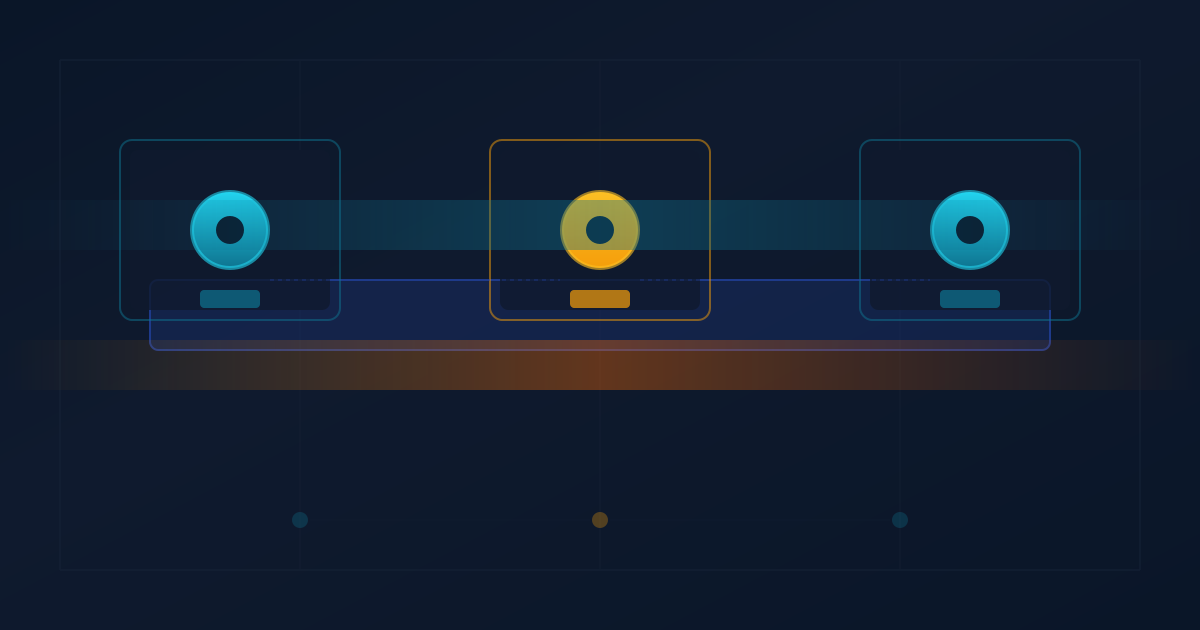
- In your workspace UI or custom hub, add three cards pointing at the three ports.
- Send a task to "research" that writes findings to a shared volume or git repo that "reviewer" later pulls.
- Use the cross-channel context bridge (or per-profile memory) to keep human oversight coherent across profiles.
The agents remain independent. One can crash or be restarted without affecting the others. Their tool calls, file writes, and LLM contexts stay in their own namespaces.
When to Use One Profile vs Many
| Scenario | Recommended | Reason |
|---|---|---|
| Single focused workflow | default profile | Simpler |
| Parallel coding + research | Separate profiles + worktrees | Isolation + git safety |
| Always-on monitoring agent | Dedicated profile + systemd | Survives reboots, own logs |
| Public-facing or customer agent | Isolated profile + strict tools + key | Blast radius control |
| Experimenting with new skills | Throwaway profile | Easy to delete |
Closing
Profiles turn Hermes from "one powerful agent" into a platform for running fleets of specialized agents on the same hardware. The API server layer is what makes them first-class citizens for UIs, hubs, and remote access.
The configuration surface is small once you internalize the three rules:
- Unique ports.
API_SERVER_KEYwhenever you bind to 0.0.0.0.- Always pass
--profilewhen interacting with anything but the default.
Do those three things and the isolation actually works.
Run hermes profile list, spin up a second profile, give it its own port and a narrow toolset, and start treating your agents as distinct services rather than one big monolith. The difference in reliability and mental overhead is immediate.
If you hit a specific configuration wall (ROCm + profiles, Honcho per-profile, systemd socket activation, etc.), the diagnostics above plus the per-profile logs will usually surface it quickly.
References & further reading (within the Hermes ecosystem):
- Hermes profile commands and multi-profile swarm requirements.
- Gateway API server security guard and remote access patterns.
- Worktree mode for git-isolated parallel coding agents.
- Cross-channel context logging to keep human oversight coherent when agents on different profiles report back on different channels.
All commands and configs above are current as of the July 2026 Hermes release line. Hardware and provider details (Ollama, vLLM, ROCm) are orthogonal and covered in separate posts.